Analysing a route tells you what it is. Race Strategy tells you how you're going to run it. That's the difference between knowing there are 2,700 metres of climbing and knowing what time you'll be at the top, how cold it will be, how many gels you need on you and how much margin is left before the next cut-off.
This is the centrepiece of TrackLAB. Here's what it is, what it does under the hood, and what you walk away with on race day.
What it is
Race Strategy takes the GPX you've just uploaded and turns it into a concrete plan: kilometre-by-kilometre paces, real split times, what to eat and drink and when, the temperature you'll meet at each point, what kit to carry, and what the course is going to do to your body along the way.
It isn't a nice summary of the course. It's the answer to the questions you ask yourself the night before and normally end up answering with a spreadsheet, a photocopied roadbook and a fair bit of faith.
One number leads
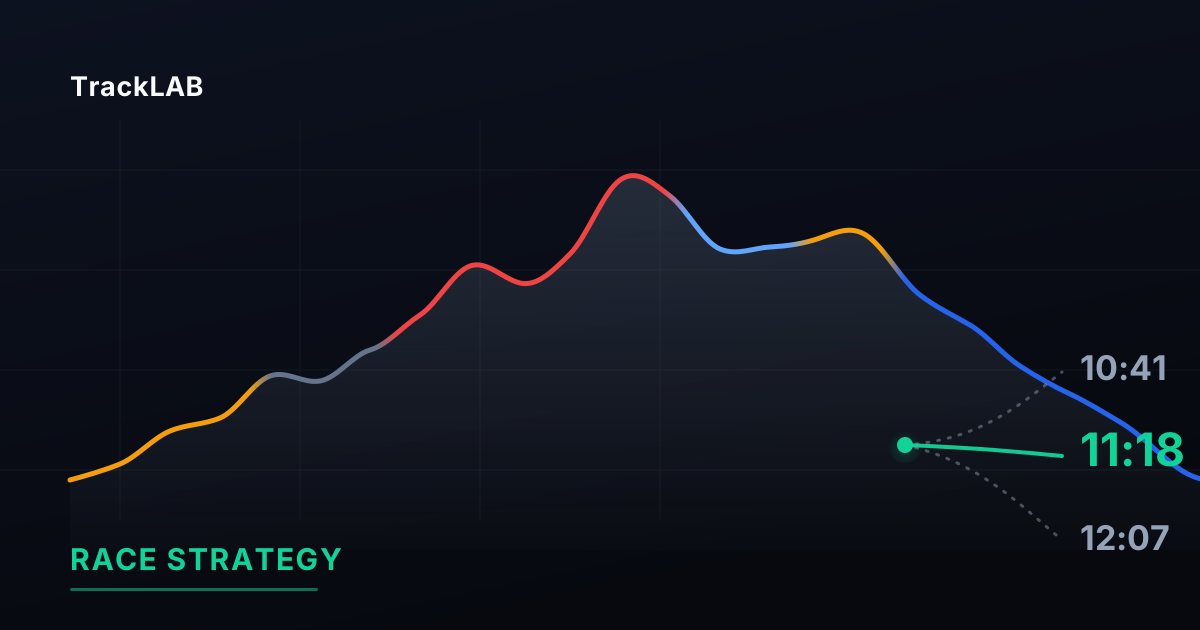
The Race Strategy header has one big number: how long you're going to take. It's the only figure anyone opens a race plan for, and the one you tell a friend, so everything else is subordinate to it.
Two details that matter:
- If you haven't set a goal time, that number is called an estimate and it's stamped as one. It's only called a goal when you've asked for it.
- The big number is always the plan you're looking at. Change your strategy and it changes at the top. There's never a second estimate running alongside saying something else.
Below it sits the range: where that time falls between the three variants, so you can see at a glance what separates going out steady from taking a risk. Drag the marker to fix your finish time, or tap one of the three.
What kind of day is it?
The three variants aren't called "conservative", "target" and "aggressive". They're called Rough day, Solid day and Good day.
That isn't cosmetic. "Conservative" and "aggressive" are coach's jargon: they ask someone to pick a tactic when what they actually know is how they feel. And "target" was worse, because the same screen already has a goal time — "I want to break 11:30" — and those were two different things sharing one name.
| Variant | What it means |
|---|---|
| Rough day | Heavy legs: you go out steady and you finish. |
| Solid day | The pace your profile says you can hold. |
| Good day | Everything's rolling and you let it run. |
Whichever you pick, everything below is recalculated: paces, split times, fuelling, kit and margins. It isn't a visual filter; it's a different plan.
And a warning written into the screen itself: going out hard accelerates how much you fall apart at the end. Compare each variant's "start → finish" and you'll see what a fast start really costs.
The six tabs
Paces
Distance, segment climbing, target pace and cumulative split time. The paces aren't flat: they carry each kilometre's gradient and your accumulated fatigue, so the same kilometre gets a different pace depending on when you reach it. On long routes the kilometres are grouped so the table stays readable.
Fuelling
What to take and when, hour by hour: carbohydrate, water and salts, with the approximate kilometre you'll be at. It adapts to the estimated duration and the forecast temperature, because in the heat your fluid and sodium needs go through the roof. It needs your weight in your profile — without it there are no grams per hour worth having.
Weather
This is one of the things you won't find in a roadbook. The forecast isn't given "for the race": it's given point by point, at the real altitude of every summit, col and valley, and at the time you'll actually pass through. It flags the coldest point on the course and tells you which kilometres you'll be covering in the dark.
Race day
Start time, official cut-offs and critical points. You enter the cut-offs yourself (kilometre and time limit) and you see your real margin at each one for the day you've picked. If a cut-off looks tight, you find out from the sofa rather than halfway round the course.
Gear
A list that combines what practically every mountain race asks for with what your particular plan asks for: if you're crossing the high ground at night, the headtorch and jacket stop being optional. You can add your own items.
This list is not your race's rulebook. The screen says so itself. The rulebook is published by the organisers, changes every edition, and is sometimes decided the day before based on the forecast. When an official race has its mandatory kit published, TrackLAB shows it copied from the organiser's site — and still tells you to check.
Your body
What the course is going to do to your legs: total load, time in zones, accumulated fatigue, calories and hydration. This also needs weight and level in your profile, because that's where the numbers come from.
The things you forget, and this doesn't
Stops. Moving time isn't race time. Race Strategy lets you say how many minutes you reckon you'll spend at aid stations and adds them separately, rather than guessing them for you. In an ultra that's hours, and it's the difference between stopwatch time and wall-clock time.
Heat. Not as a generic warning, but built into the pace of each segment. See what heat really costs you in an ultra.
Start time. It's the cheapest lever you have: in summer, starting three hours earlier can save you twenty minutes without a single extra day of training.
What you walk away with
- PDF dossier — profile, paces, fuelling and cut-offs in a document ready to print or carry on your phone. The classic folded sheet in your pocket, only built from your own numbers.
- GPX with waypoints — the plan on your watch, with the points marked where they matter.
- Crew plan — split times with their margin window, what they need to hand you at each point, and a map link so your crew can find it. Send it on WhatsApp or download it as a PDF.
What it doesn't do
Worth saying plainly, because this is the part that separates a plan from decoration:
- It doesn't invent your race's rules. Not the official aid stations, not the mandatory kit, not the cut-offs. That comes from the organisers, and when TrackLAB has it, it says where it got it.
- It doesn't tell you what to do. The critical points are descriptive: they show you where the course gets serious. Without a model of accumulated fatigue, "go out steady here" would be a hunch set in data typography.
- It doesn't estimate what it can't measure. The minutes you spend stopped are yours to enter.
Getting started
- Upload the race GPX to the analyser.
- Check your profile has weight and level set: that's where the paces and everything else come from.
- Pick what kind of day it is and, if you have one, set your goal time and start time.
- Add the official cut-offs and the minutes you expect to spend stopped.
- Download the dossier, send the crew plan and put the GPX on your watch.
Race Strategy is part of TrackLAB PRO and is also available during your first free analyses, so you can see all of it before deciding.